 Rapla
RaplaRapla 3 web ✎ Edit
demo.rapla.org
A preview of the first Rapla 3 alpha version, planned for October 2026. Try it in your browser — logins, direct links and public calendars on the demo start page.
Rapla 2 & videos ✎ Edit
Reset every night at 11 pm CET. User names are on the wiki start page.
Campus A
Empty installation.
Campus B
Users, resources, lectures and exams.
Campus C
Two institutes with permissions.
Videos
From an empty installation to Campus B, then on to Campus C — on YouTube:
Use cases ✎ Edit
Four ways Rapla is used — with screenshots of the Rapla 3 web app and demo data
Rapla plans whatever has to be in one place at one time. The screenshots show the Rapla 3 web app with sample data, in its German interface.
University and school
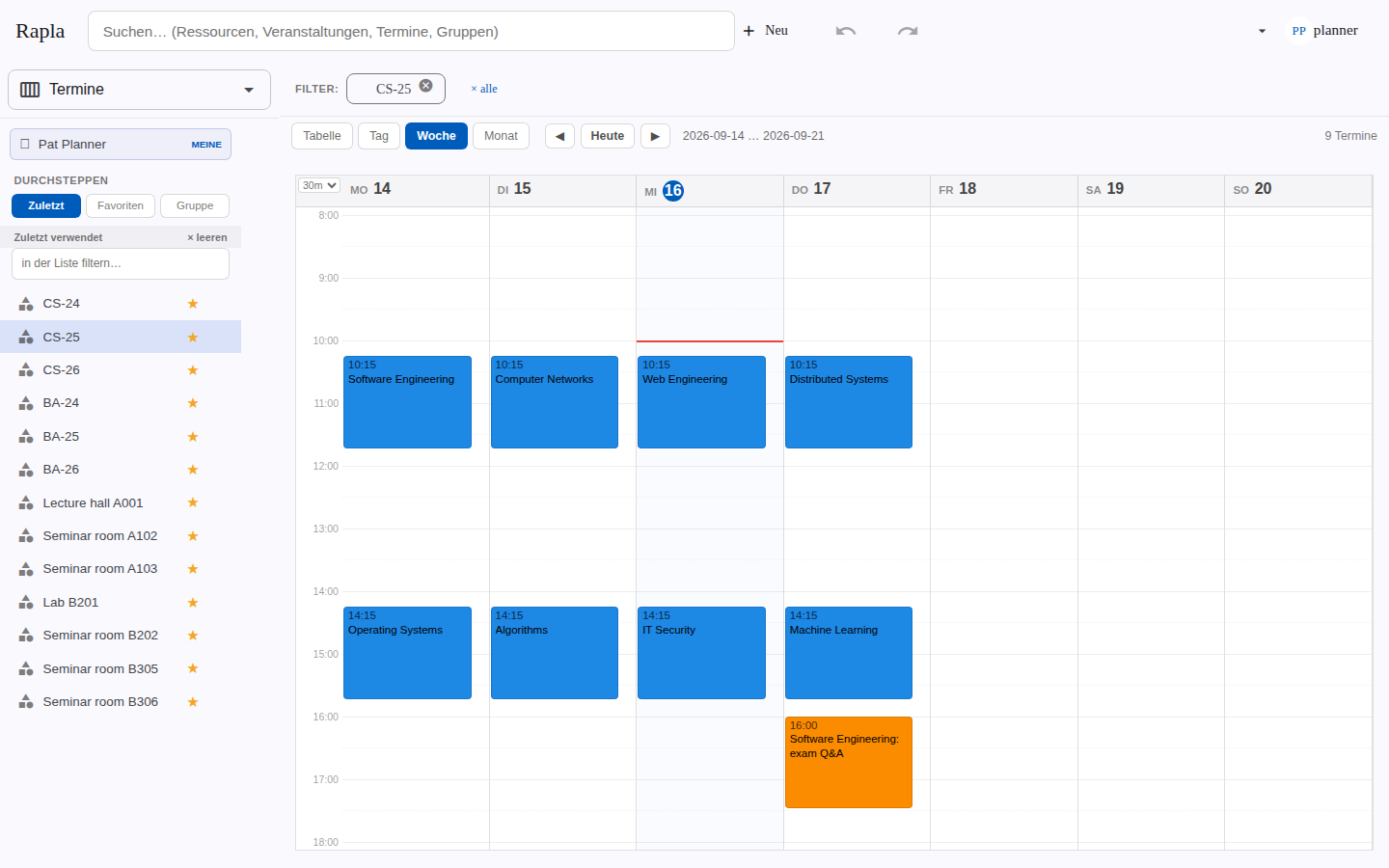
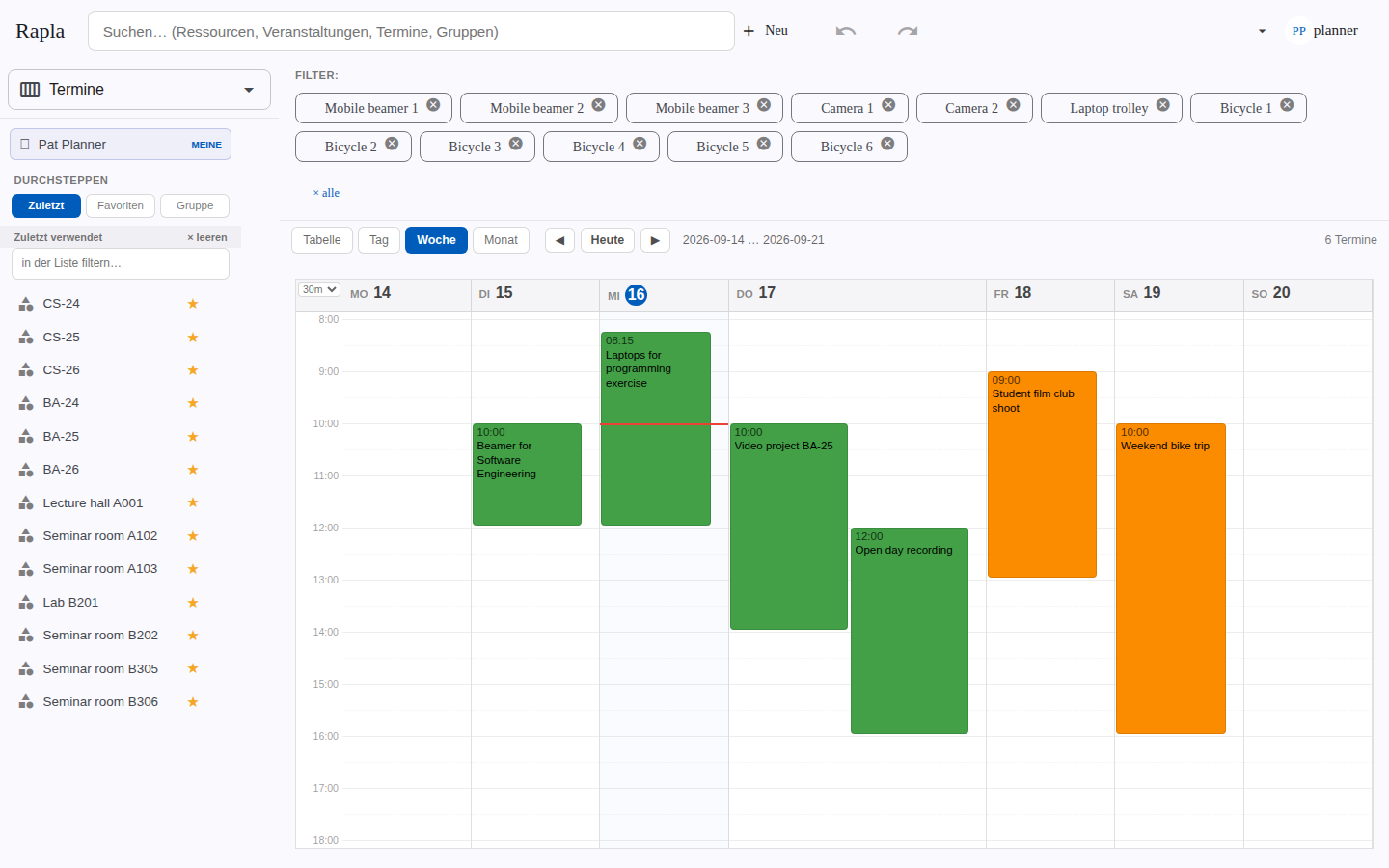
A small faculty with two courses of study: timetables per course and per room, lectures repeating over the semester, conflicts when a room or lecturer is booked twice — plus loanable equipment such as beamers, cameras and bicycles, and room requests that the timetable office approves in the desktop client.
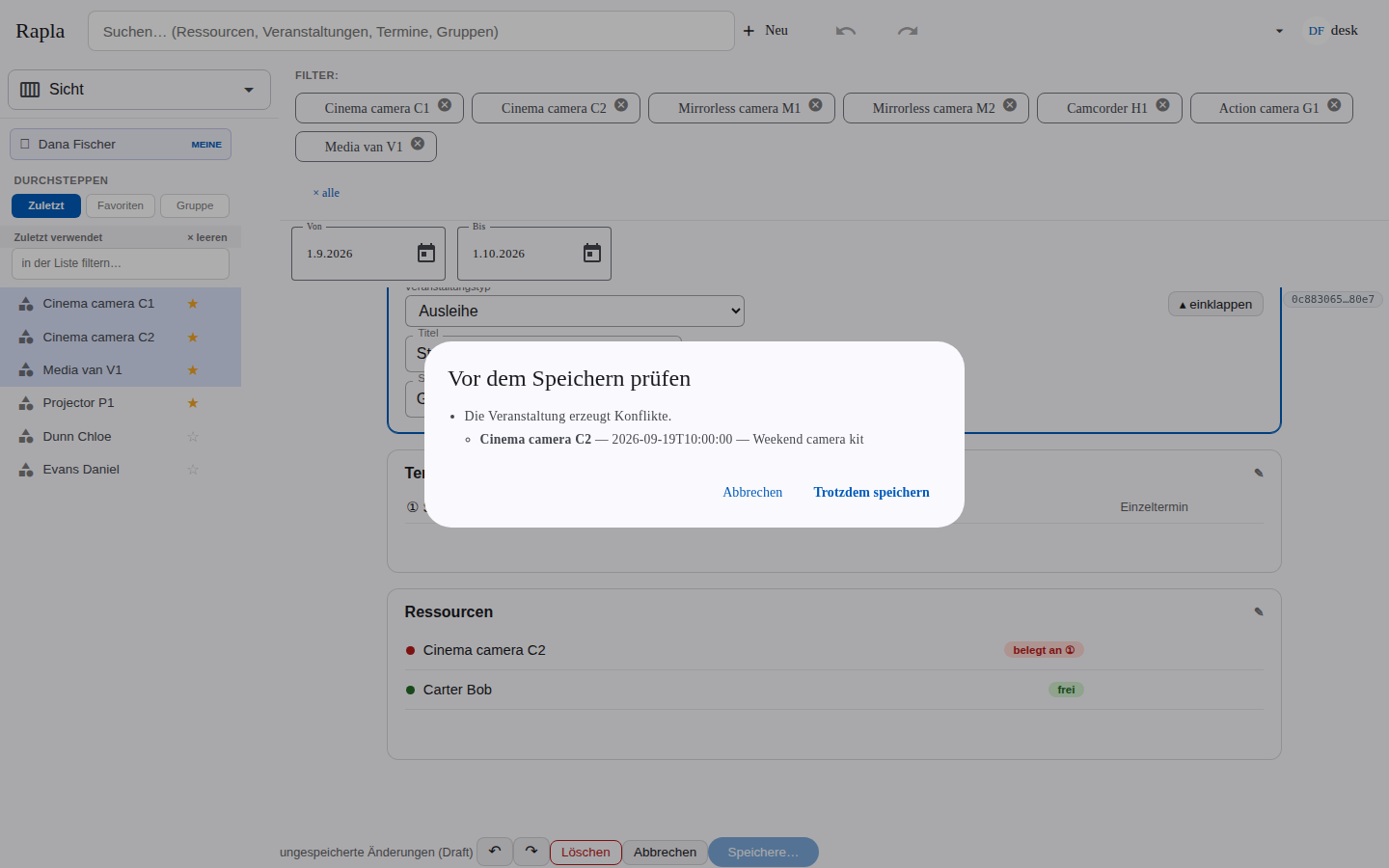
Equipment loans
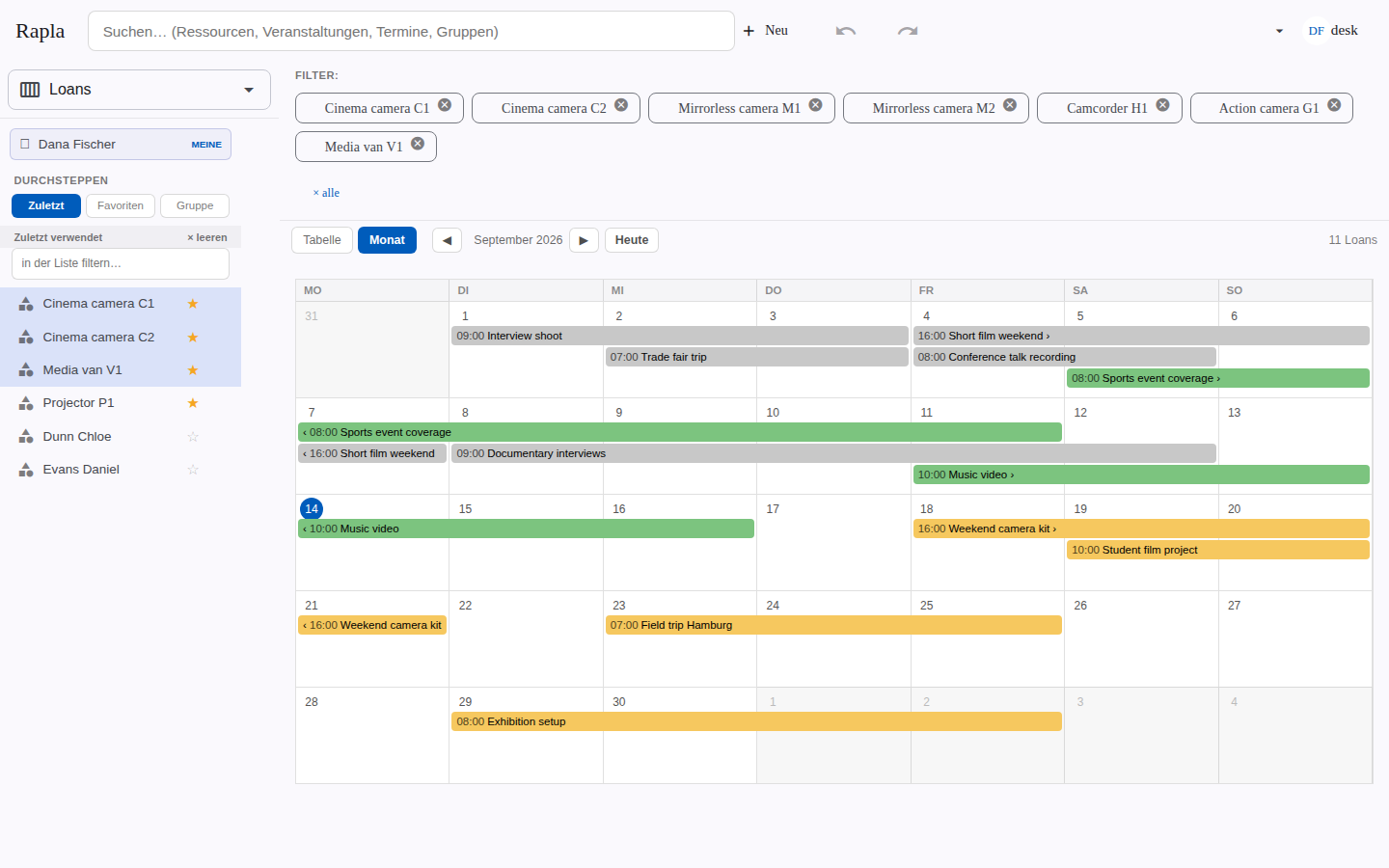
A media centre lends cameras, projectors and a van. Desk staff see availability over several weeks, and a loan that collides with another one is flagged before it is saved.
Seminar house
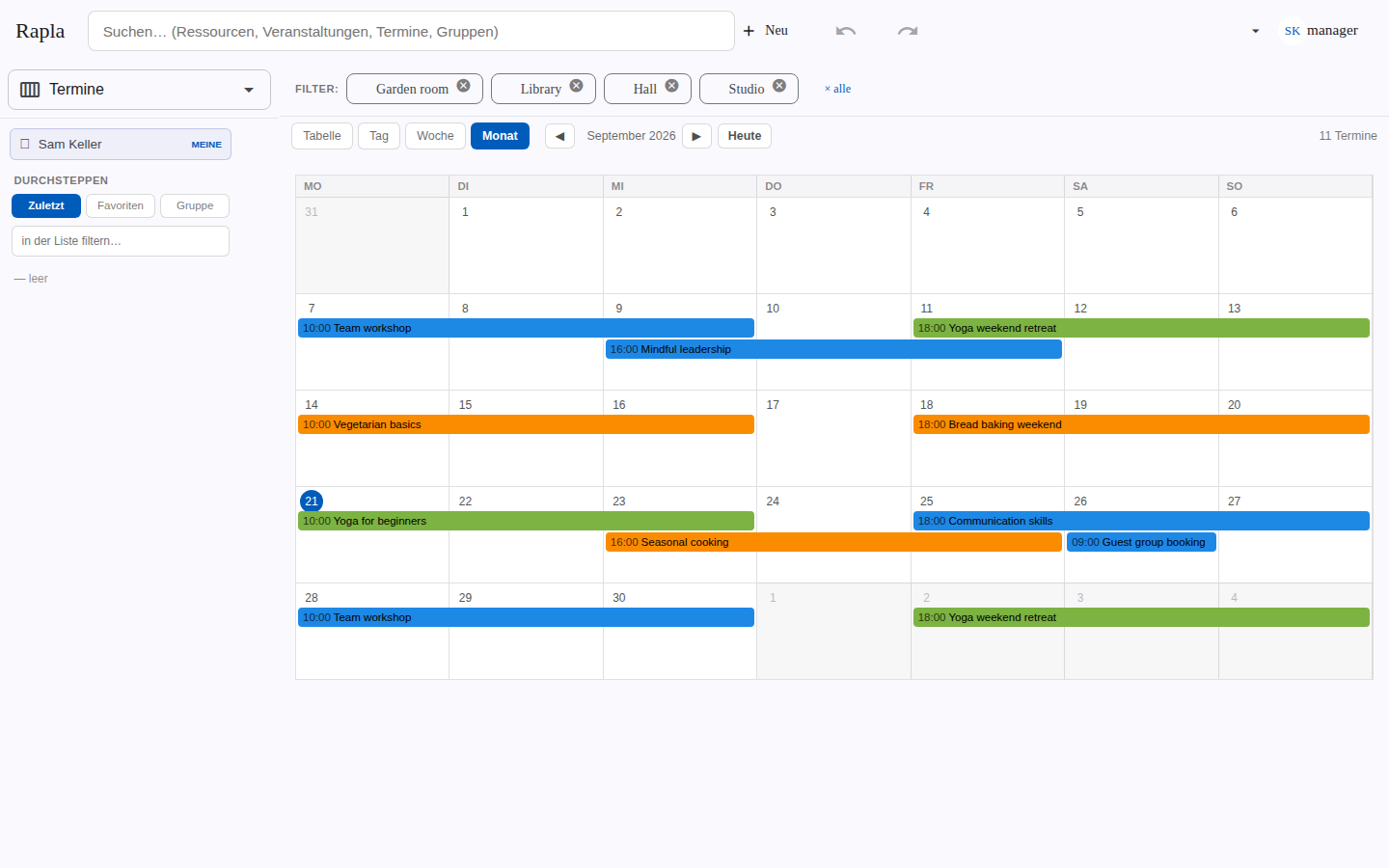
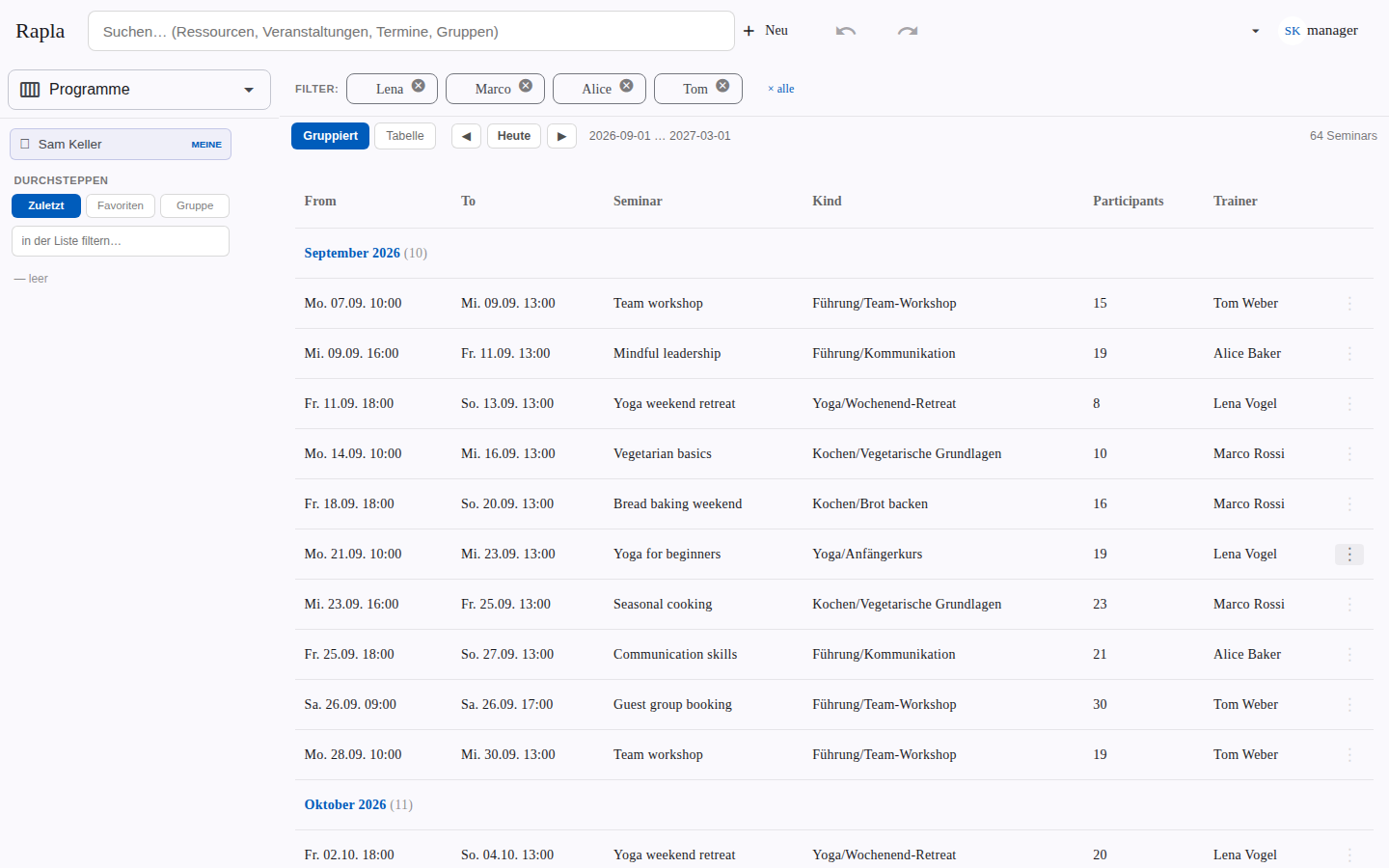
Multi-day seminars in seminar rooms and guest rooms, coloured by kind — yoga, cooking, leadership. The house manager sees everything, trainers see their own seminars, and the programme for the next months is one grouped table.
Duty roster
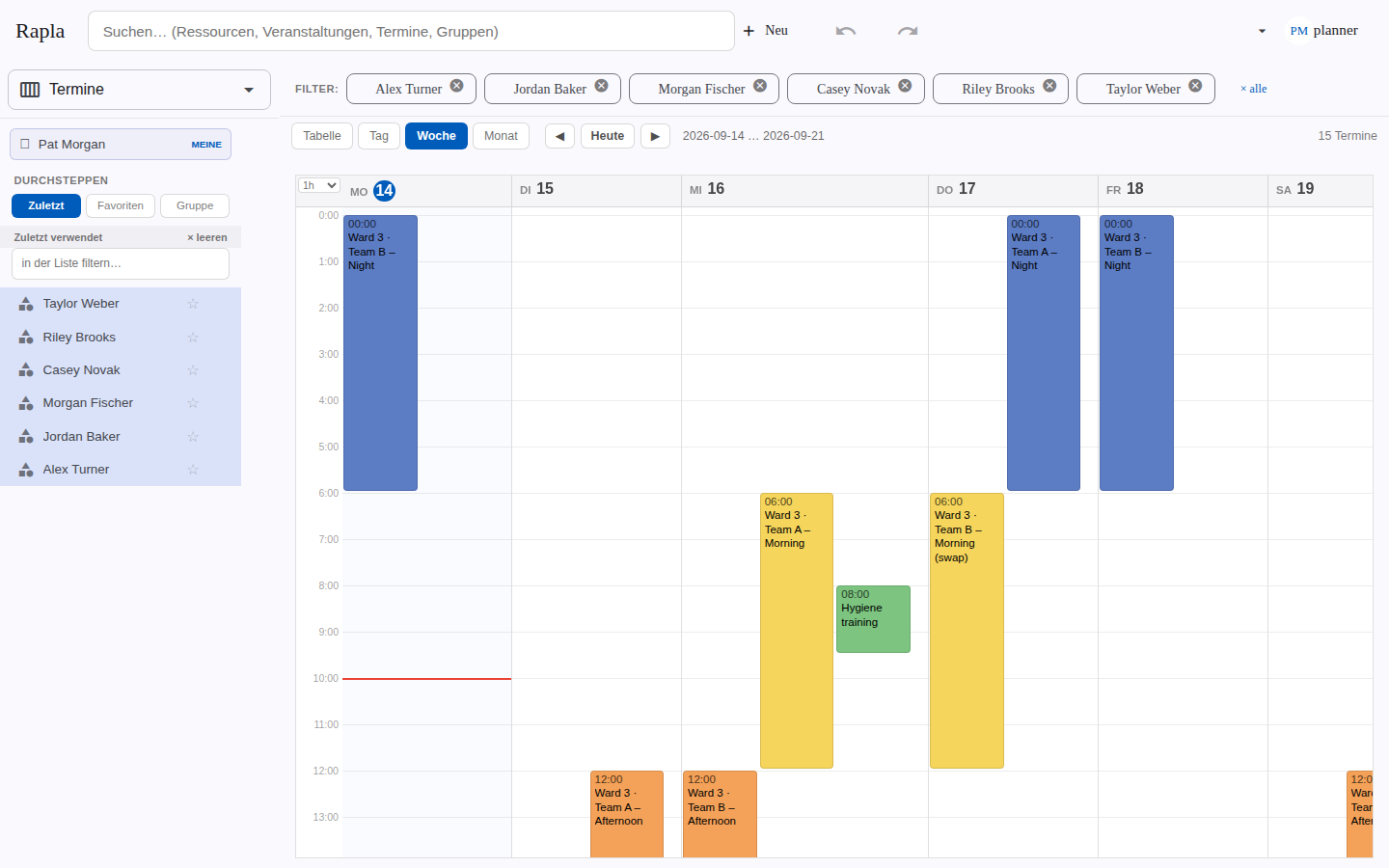
A hospital with two wards, teams per ward and four shifts a day. Planners see who is on when and handle swaps by changing a single shift, team members see their own shifts, and a read-only station screen shows today’s shifts on the ward.